



Search engines don’t magically come to know that your website exists. They have to discover it. It is just like a traveller stumbling upon a hidden café tucked down a side alley. This discovery process is the first step in your site’s journey to appearing in search results, and it’s more strategic (and fascinating) than it might seem.
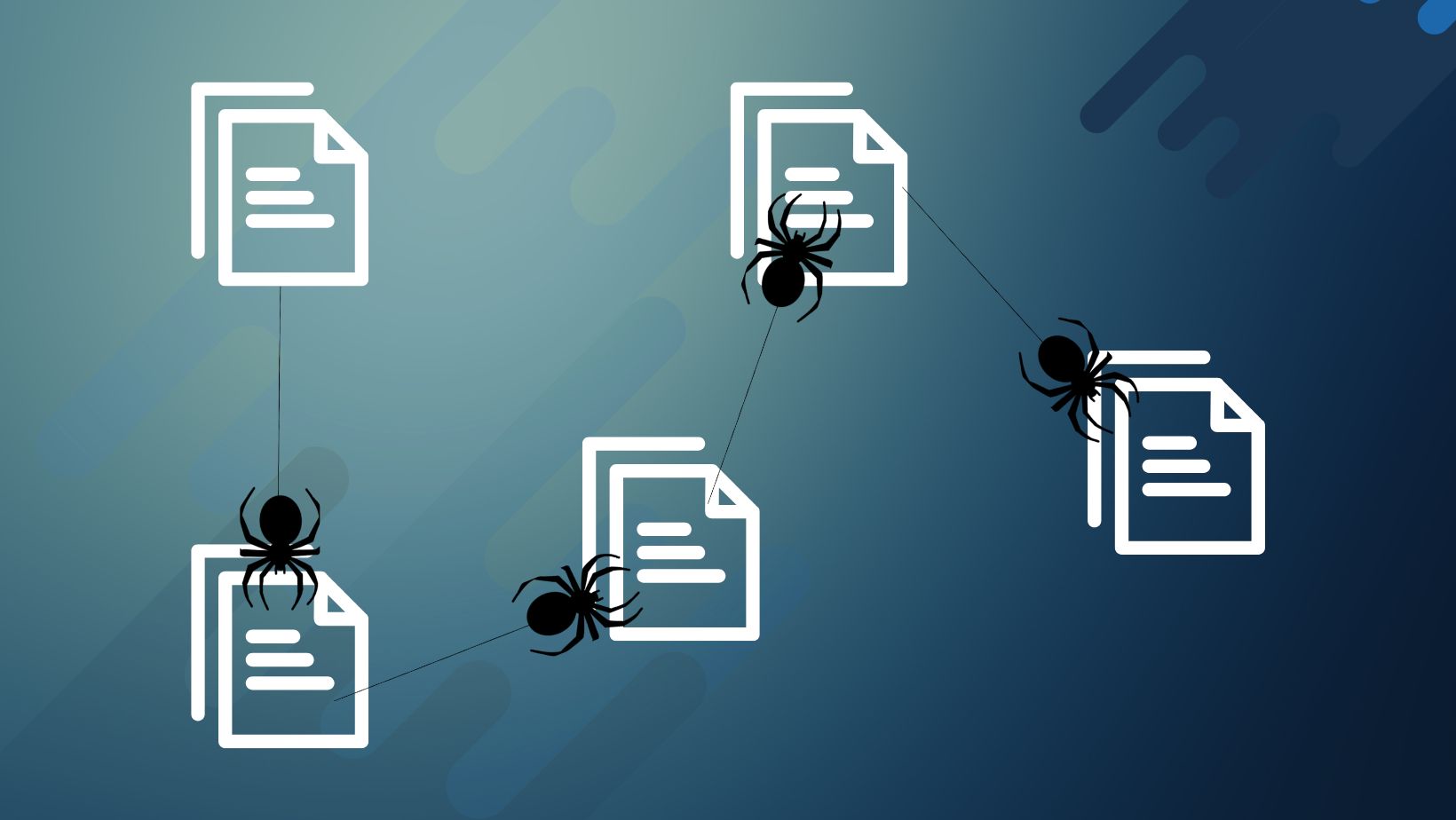
It usually begins when a crawler (like Googlebot) lands on a page it already knows—maybe another website, a blog post, or even a sitemap that’s been submitted. Imagine a crawler reading that page like a curious explorer. As it scans through the content, it finds hyperlinks – each one a doorway to another page. So it follows one, then another, and another. If one of those links points to your site, boom, you’re website content has just been discovered.
But what if no one links to you?
Well, that’s where other methods come in. For instance, submitting your site to Google Search Console is like raising your hand and saying, “Hey, I exist!” When you submit your sitemap there, you’re essentially handing Googlebot a map of your website, showing all your key content and helping it find you faster.
And there are indirect ways too. Say you publish an article that gets shared on social media or mentioned in an online forum. If that platform is regularly crawled by search engines, and your link is on it, the crawler will eventually follow the trail back to your site.
Take an example:
A new local bakery launches a website, but doesn’t rank for anything at first. Then, a local food blogger mentions them in a post titled “10 Hidden Gem Bakeries in the City.” That blog is already indexed by Google, so when Googlebot visits the post, it sees a link to the bakery’s site. That link acts like a beacon, and the crawler follows it, discovering the bakery’s website for the first time.
In short, discovery happens through links, sitemaps, mentions, and crawling behaviour. The web is a giant network, and crawlers are constantly exploring its threads. The more visible your site is across this network, the more likely it is that search engines will find and index it.
What is Crawling?
Crawling is the first step in the search engine process, followed by indexing and ranking. So now that you understand how search engines first stumble upon your site, whether through a link, a sitemap, or a digital breadcrumb on someone else’s blog, you might be wondering: What happens next? How does Google move through your pages? What determines what it crawls, when it crawls, or if it ever comes back?
This is where the technical side of crawling kicks in. Search engines rely on a set of behaviours, priorities, and rules that govern how they explore your site. To understand how they work and how you can influence them, it helps to get familiar with some key terms that define the crawling process.
Key Terms Related to Crawling in SEO
Core Crawling Concepts
- Crawler / Spider / Bot
A web crawler (also called a spider or bot) is an automated software program used by search engines to systematically browse the internet and discover web pages. Crawlers follow links from one page to another to gather information about the content, structure, and relevance of websites. This data is then used to index pages and determine their ranking in search engine results. Different search engines have their own crawlers. Examples of popular web crawlers include Googlebot (Google), Bingbot (Microsoft Bing), and Baiduspider (Baidu).
— - Crawling
Crawling is the process by which search engine bots (also called crawlers or spiders, like Googlebot) systematically browse the web to discover new and updated content. When a bot lands on a webpage, it follows the links on that page to find other pages and continues this process across the entire internet.
— - Crawl Path
A crawl path refers to the route a web crawler (like Googlebot) takes through your website as it follows internal and external links to discover content. When a crawler lands on a page (typically starting from your homepage or sitemap), it scans the content and follows the links found on that page to other pages. Each link leads to a new path, and this chain of link-following is what forms the crawl path.
Performance & Efficiency
- Crawl Budget
Crawl budget refers to the number of pages a search engine (like Google) is willing and able to crawl on your website within a given timeframe. Think of it as your website’s crawl allowance – how many pages a bot will visit and scan before moving on. This budget is especially important for large websites with thousands of pages, where not everything gets crawled equally.
— - Crawl Frequency
Crawl frequency refers to how often search engine bots (like Googlebot) revisit and recrawl a page on your website to check for updates or changes. Unlike crawl budget, which is about how many pages are crawled, crawl frequency is about how often individual pages are crawled over time.
— - Crawl Rate
Crawl rate refers to the number of requests per second a search engine’s crawler (like Googlebot) makes to your website during a crawl session. It’s about how fast the crawler moves through your site—not how many pages total it crawls (crawl budget) or how often it returns (crawl frequency).
— - Crawl Depth
Crawl depth refers to how many clicks away a specific page is from the homepage (or another major entry point) on a website. In other words, it tells you how deeply buried a page is in your site’s structure, and how difficult it might be for both users and search engine bots to reach it. It is a very essential point to consider during Link Structure Analysis.
— - Crawl Delay
Crawl delay is a directive used to tell web crawlers (like Googlebot, Bingbot, etc.) to wait a specific number of seconds between requests to your server during a crawl session. This helps prevent server overload, especially for smaller or resource-limited websites.
Control & Restrictions
- robots.txt
Therobots.txtfile is a simple text file placed in the root directory of your website that tells search engine crawlers which pages or sections of your site they are allowed or not allowed to crawl. It’s used to manage crawler access and protect sensitive or unnecessary content from being scanned.
— - User-agent
A user-agent is a specific identifier used by web crawlers (bots) to announce themselves when visiting a website. In a robots.txt file, you can target rules for different crawlers by specifying their user-agent names—like Googlebot for Google or Bingbot for Bing—to control how each bot accesses your site.
— - Disallow
Inrobots.txt, Disallow tells specific crawlers which pages or folders they are NOT allowed to access or crawl. For example,Disallow: /private/blocks bots from crawling anything in the/private/directory.
— - Allow
Also used inrobots.txt, Allow specifies which pages or paths are permitted for crawling, even if a broader Disallow rule might block them. It’s often used to make exceptions within restricted folders.
— - Noindex
A Noindex directive tells search engines not to include a specific page in their search results. This can be added via a meta tag or HTTP header to keep a page out of the index, even if it’s crawled.
— - Nofollow
The Nofollow attribute instructs search engines not to follow certain links on a page, meaning the linked pages won’t get SEO credit (link equity) from those links.
— - Canonical Tag
The canonical tag is an HTML element that tells search engines which version of a page is the “master” copy when there are duplicate or very similar pages, helping to prevent duplicate content issues by consolidating ranking signals to a preferred URL.
Discovery & Structure
- Sitemap (XML Sitemap) – A file listing all important pages to help search engines discover them.
- HTML Sitemap – A human-readable list of site pages, also accessible to crawlers.
- Internal Links – Links between pages within your website, critical for crawlability.
- Orphaned Pages – Pages with no internal links pointing to them; hard for crawlers to find.
- Dead-End Pages – Pages that don’t link out to any other internal content.
- Flat Architecture – A site structure where most content is accessible within a few clicks.
- Deep Architecture – A structure where content requires many clicks to reach, often resulting in poor crawlability.
Crawl Issues & Analysis
- Soft 404 – A page that appears to be missing but returns a 200 OK status, confusing crawlers.
- Duplicate Content – Identical or very similar content across multiple pages or URLs, wasting crawl budget.
- Infinite Crawl Loops – Unintended link patterns that cause crawlers to get stuck in repeated paths.
- Broken Links (404 Errors) – Links to pages that no longer exist; can disrupt crawl flow.
- Redirect Chains & Loops – Multiple redirects in sequence or circular redirects that slow or block crawlers.
- Blocked Resources – Files (CSS, JS, images) that are disallowed in robots.txt, potentially limiting what crawlers can see.
- Index Bloat – When too many low-value or duplicate pages are indexed, it dilutes site quality.
Tools & Metrics
- Crawl Stats (GSC) – A report in Google Search Console showing how Googlebot crawls your site.
- URL Inspection Tool (GSC) – Lets you check the index and crawl status of any URL.
- Log File Analysis – Reviewing server logs to see actual crawler activity.
- Rendering – How search engines “see” your page after loading HTML, CSS, and JavaScript.
- Fetch as Google (Deprecated, replaced by URL Inspection) – Previously used to test how Google crawled/rendered a page.
Why Crawling Matters in SEO?
If search engines can’t crawl your pages, they won’t index or rank them. Crawl optimisation ensures that:
- Your most important content is discovered quickly
- Crawl budget isn’t wasted on unnecessary pages
- Orphaned or deep pages are not overlooked
- You avoid indexing issues caused by duplicate content, errors, or spam



Leave a Reply